UI/UX DESIGN
Precision Interface Engineering.
Crafting premium, intuitive, and highly converting interfaces for digital products.
ABOUT UI/UX DESIGN
[ Overview ]
Netstatic Solutions designs digital products that people understand quickly and enjoy using. Our designers work from user needs and business goals, not decoration, shaping the flows, layouts and visual language that make web, mobile and desktop software feel clear and trustworthy.
Our process moves from research and wireframes to high-fidelity prototypes in Figma, with usability checks along the way. Because designers work alongside our engineers, designs account for real constraints such as responsive behaviour, accessibility, performance and the components that will actually be built.
We also create design systems, reusable libraries of components, tokens and guidelines that keep large products consistent and speed up future work. Whether you need a new product designed, a confusing interface simplified or a page optimised for conversion, we ground decisions in evidence and testing.
WHAT WE DELIVER
[ Capabilities ]
User Interface Design
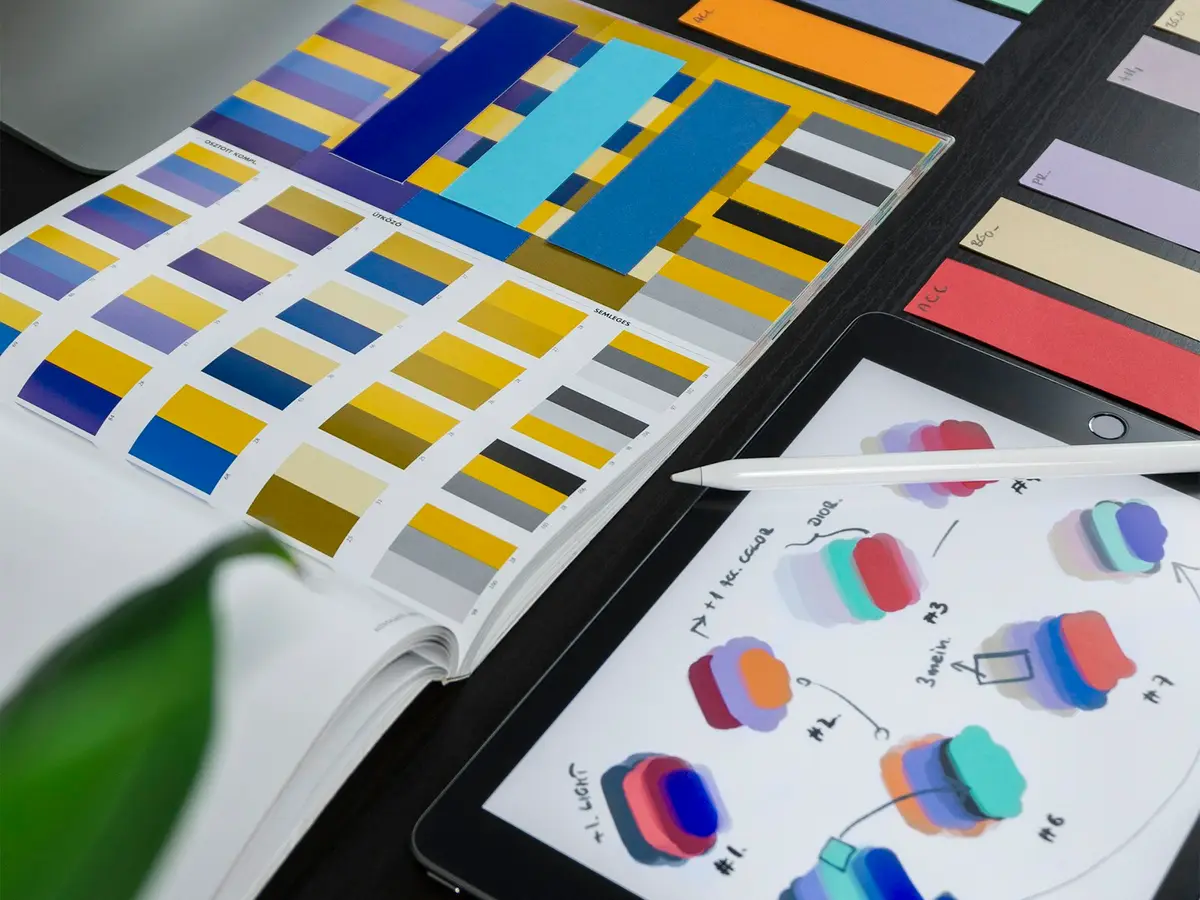
We craft visual interfaces with clear hierarchy, typography, color and spacing, producing polished screens that reflect your brand and remain legible across devices and lighting conditions.
User Experience
We study users, map journeys and simplify flows, so tasks take fewer steps and the product behaves the way people expect without needing instructions.
Wireframing
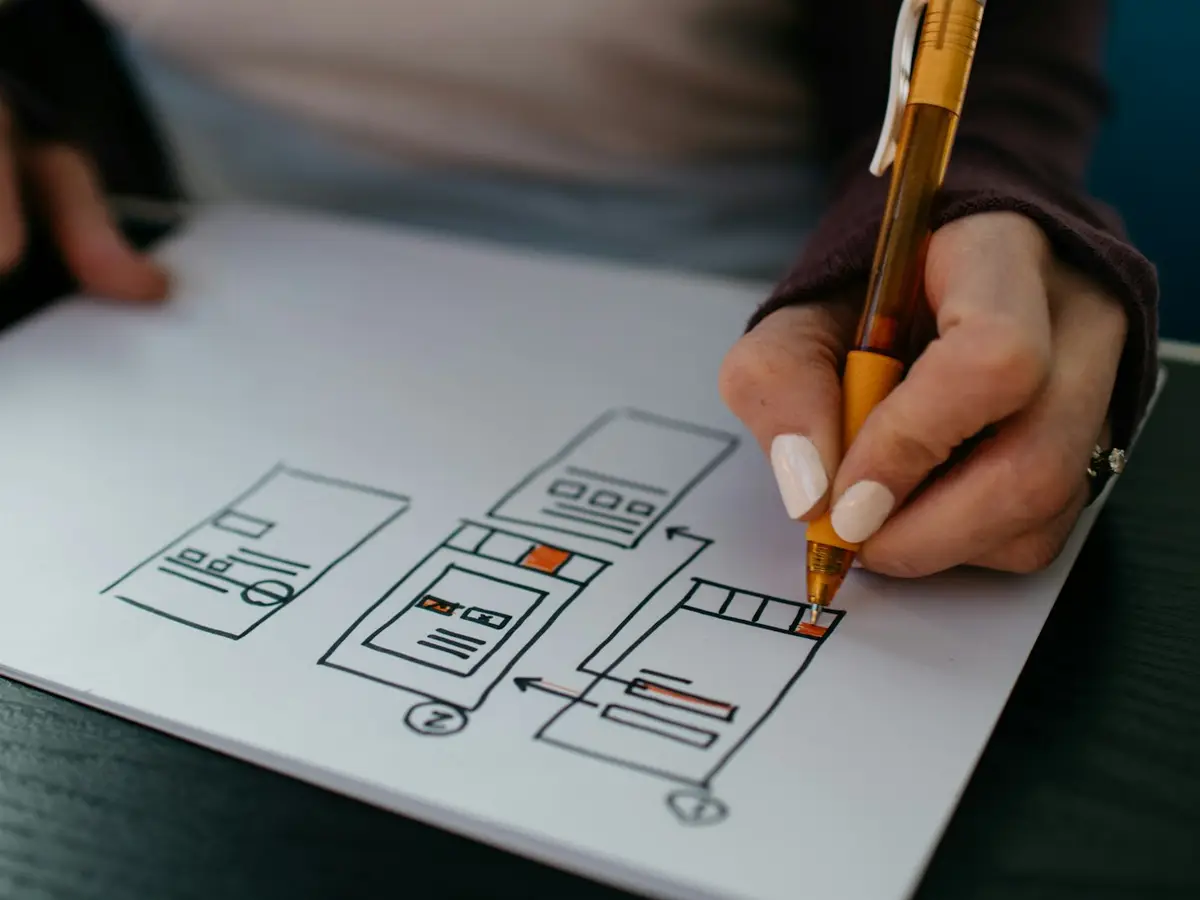
We sketch structure and content priorities in low-fidelity wireframes first, which lets you agree on flows and layout quickly before investing in detailed visual design.
High-Fi Prototyping
We build interactive Figma prototypes that look and behave like the finished product, suitable for stakeholder sign-off, user testing and clear developer handoff.
Design Systems
We build component libraries, design tokens and usage guidelines that keep products consistent across teams and platforms and reduce repeated design and development effort.
Conversion Optimization
We review funnels, forms and landing pages for friction, then propose and test layout, copy and flow changes aimed at improving sign-ups, enquiries or purchases.
BUSINESS BENEFITS
[ Why It Matters ]
Fewer costly rebuilds
Testing flows in wireframes and prototypes surfaces problems before they are expensive to fix in code.
Consistent product experience
Shared components and guidelines keep screens, platforms and teams visually and behaviourally aligned.
Smooth designer-developer handoff
Annotated Figma files, tokens and component specs reduce guesswork and speed up implementation.
Accessible by design
We consider contrast, focus order, text scaling and touch targets from the start, aiming to meet widely used accessibility guidelines.
OUR PROCESS
[ How We Work ]
- PHASE_01
Discovery and Research
We interview stakeholders, review analytics and competitors, and learn about users, then define goals, personas and the key tasks to support.
- PHASE_02
Information Architecture and Wireframes
We structure content and navigation, map user flows and produce wireframes for review, settling layout and priorities before visual design.
- PHASE_03
Visual Design and Prototyping
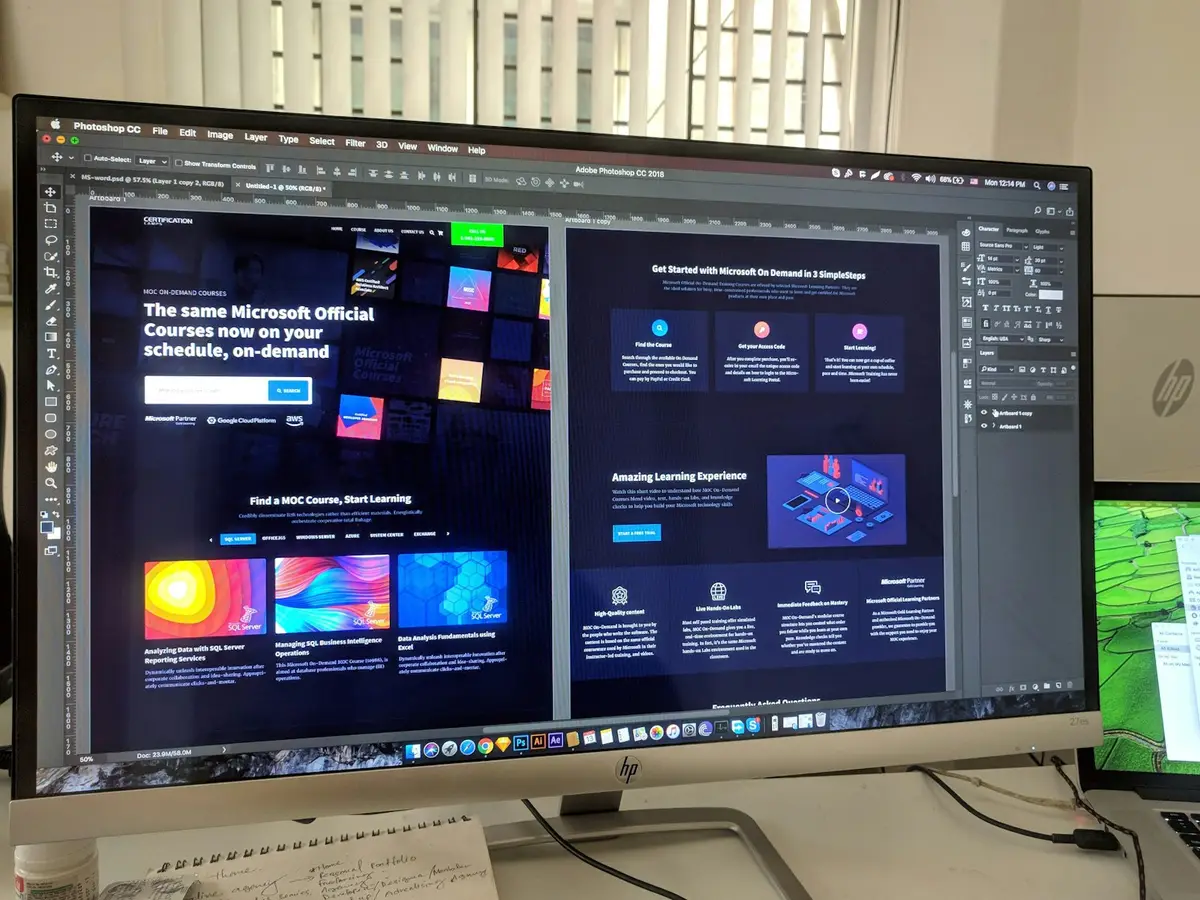
We develop the visual language and high-fidelity screens in Figma, and link them into interactive prototypes covering the main journeys.
- PHASE_04
Usability Testing and Refinement
We test prototypes with representative users or through expert review, then refine flows, copy and visuals based on what we observe.
- PHASE_05
Handoff and Support
We deliver organised design files, specs and assets, support developers during implementation, and review the built product against the design.
TECH STACK
[ Technology ]
Design and Prototyping
Research and Testing
Handoff and Implementation
USE CASES
[ In Practice ]
New SaaS product interface
A dashboard-heavy product gets clear navigation, onboarding and data visualisation, designed as a reusable component library.
Mobile app redesign
An existing app with poor retention is restructured around its main tasks, with simpler navigation and clearer feedback.
Checkout and signup optimisation
A multi-step form is shortened and clarified, with error handling and trust cues improved and variants prepared for A/B testing.
Design system for multiple teams
Scattered interfaces are audited and unified into one system of components, tokens and guidelines used by every product team.
WHERE WE APPLY IT
[ Industries ]
COMMON QUESTIONS
[ FAQ ]
What is the difference between UI and UX design?
Do you use Figma, and will we get the files?
Can you redesign an existing product instead of starting from scratch?
How do you test designs before development?
Can your designers work with our developers?
RELATED SERVICES
[ Explore More ]
Let's Build
Together.
Tell us what you need and we will scope the right ui/ux design solution for your business.